


QR Bundles
A collection of QR codes saved in one place — like a shortlist you can reopen and share as a single .qrb file. Scan furniture in a store, share with family for opinions, then come back to the bundle anytime.


On-device
Scans, images, documents, and signatures stay on your phone. Only PDF compress and merge use our servers.
No sign-up
Install, open, and use. No account required for any documented tool.
No watermark
Clean exports — no NxtTools brand stamped on your scans or PDFs.
No daily cap
Scan, compress, and sign as many files as you want. No trial countdown.
NxtTools is the all-in-one mobile utility app from Const Agility, LLC in Texas, USA. One install gives you a document scanner, full PDF tools (compress, merge, extract pages, export as images), image tools, a signature pad, a document viewer, a file manager, and the QR Bundle feature that turns a handful of links into one shareable .qrb file.
Every tool ships free, runs on-device by default, requires no sign-up, and never stamps a watermark on your output. The reward-ad backend tier and an upcoming AI tier are separate; nothing on this page asks you to pay or sign in.
Six everyday workflows that used to need five apps and a desktop.
Capture the receipt, auto-crop edges, save as a clean PDF, and send it to your accountant — without leaving the app or watching an ad.
Scan the contract page with the Document Scanner (or open the photo), place your saved signature on the image in Image Tools, save, and share or email it back. No DocuSign account, no per-signature charge.
Group product pages, listing photos, event schedules, or sponsor links into one .qrb file. Share one QR code instead of ten.
Cut a 30 MB scan down to under 5 MB in two taps so Gmail and Outlook attachments actually go through.
Crop, rotate, resize, or watermark an image, drop your signature on top, save it, and share — all on the phone you already have.
Filter by PDF, image, scan, signature, or document. Open, share, print, or delete with one tap — no folder spelunking.
Five small frictions add up. NxtTools fixes them in one install.
Typical mobile workflow
Five different apps for scanning, signing, compressing, resizing, and managing files.
Two or three monthly subscriptions to unlock the features you actually need.
Free tiers stamp a watermark on every export until you pay.
Files upload to a third-party cloud before they're processed.
Account sign-up and email verification before you can compress a single PDF.
With NxtTools
One install covers scan, sign, compress, resize, and file manager — same UI, same place.
Free for every tool documented on this page. No subscription tier hidden behind the workflow.
Clean output every time. No watermark, no "made with X" footer.
Scanner, image, document, and signature tools process on your device. Only PDF compress and merge use our servers.
Install and use. No account required for any of the documented tools.
Perform a wide range of actions on images, PDFs, and DOC files, create visual signatures, and apply signatures directly to images. Turn scans into clean digital files and keep everything organized with smart file filters. Build shareable .qrb QR Bundles for products, places, or ideas, then review and compare them anytime. Download NxtTools today and get more done with less effort.
A collection of QR codes saved in one place — like a shortlist you can reopen and share as a single .qrb file. Scan furniture in a store, share with family for opinions, then come back to the bundle anytime.
Turn your phone into a portable scanner. Capture receipts, forms, notes, and IDs as clean digital files and save them as PDF or images.
Compress, grayscale, monochrome, enhance, extract pages, or export as images. Create PDFs from multiple files and merge them — then download, share, or print in a tap.
View, compress, rotate, flip, crop, resize, and enhance images. Overlay your signature and save the result.
Open Word, Excel, PowerPoint, CSV, RTF, and ODF files from your device or a link. Export any of them to PDF in one tap.
Draw or type your signature with multiple fonts and colors. Save it once, then drop it onto any image or scan — PDF signing is on the roadmap.
Play local audio and video files or open them from a URL. No extra player app needed.
Everything you save stays in one place. Filter by type — PDF, images, documents, scans, signatures — then open, share, print, or delete with a tap.
Practical how-tos and deep dives from the team that builds NxtTools.
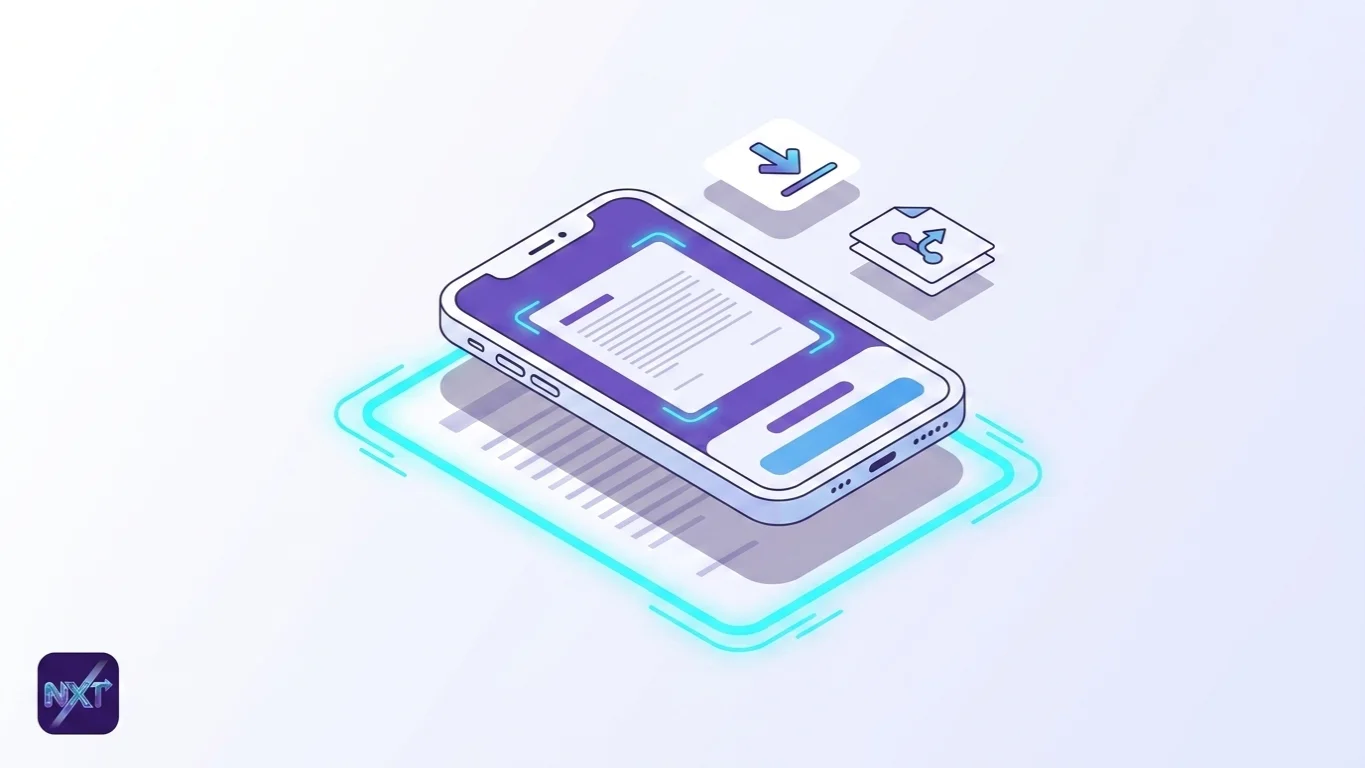
document scanning
Adobe Scan's best parts sit behind a subscription. The five best free document scanner apps for iPhone and Android in 2026, ranked honestly.
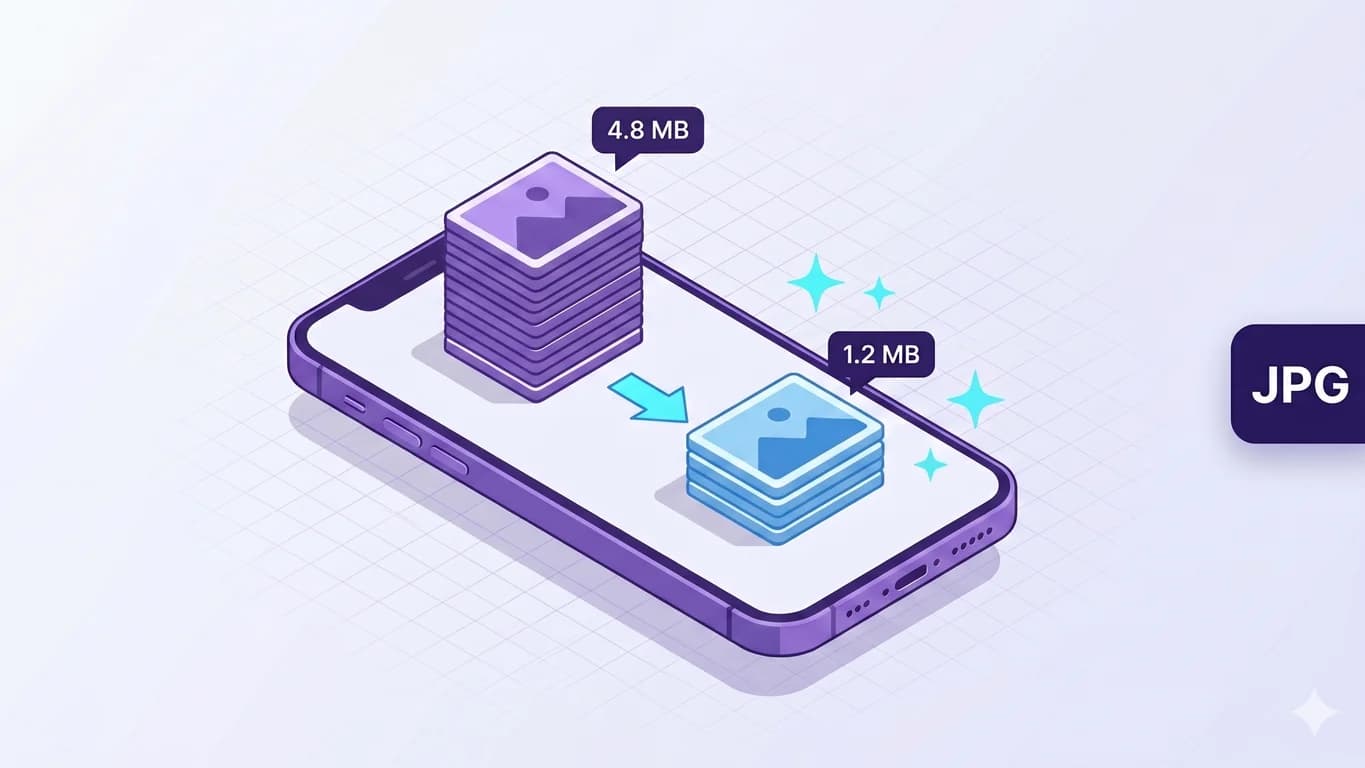
image tools
Reduce image size on iPhone without losing quality: compress photos with a quality slider and before/after preview in NxtTools — on-device, no upload.
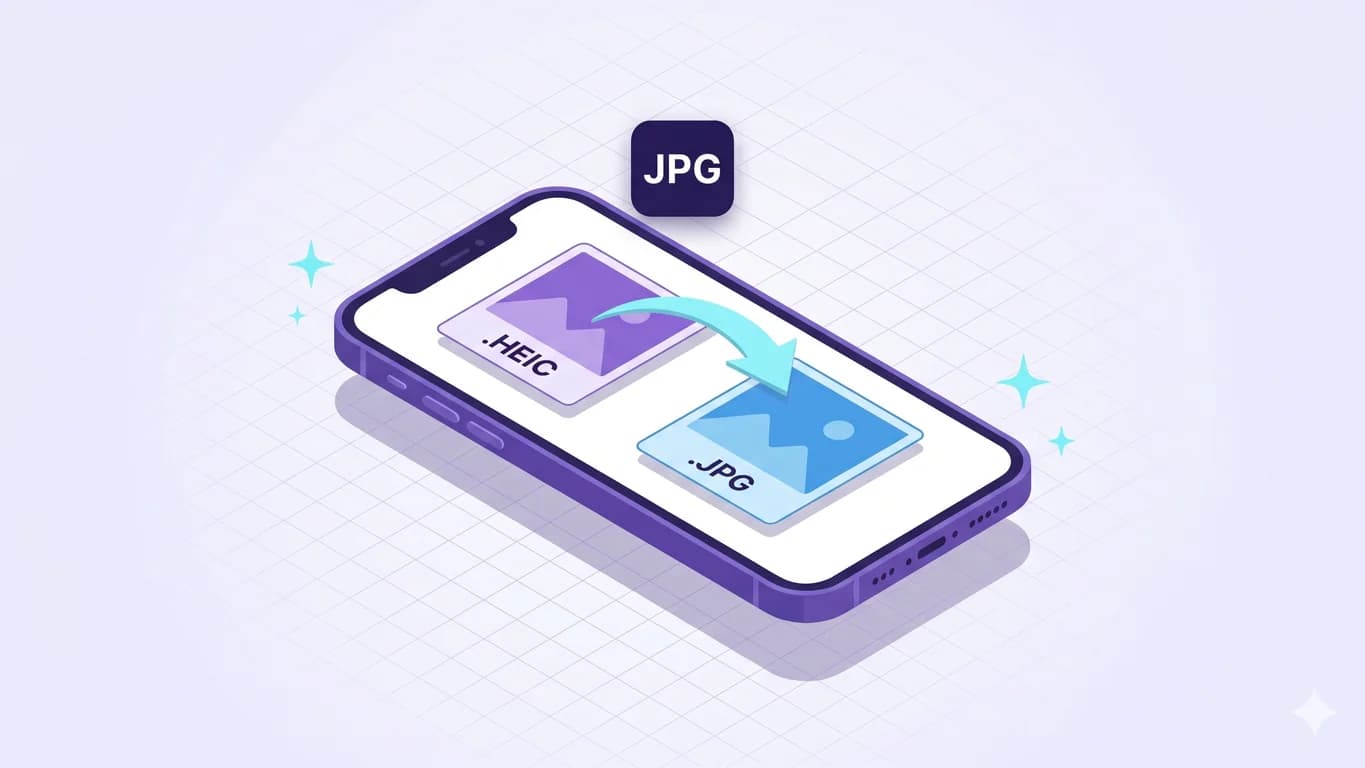
image tools
Convert HEIC format to JPG on iPhone free: the iOS toggle, share-sheet auto-convert, or NxtTools as an on-device converter — plus the Mac Preview route.
NxtTools is built in Texas, USA by Const Agility, LLC. The blog and the product roadmap are both written by the people who ship the code — no outsourced content team, no white-label app behind the brand.
The fast answers to the questions everyone asks first.
Install NxtTools from the App Store or Google Play. No sign-up, no subscription, no watermark.